


Recover hacked WhatsApp account safely by following the official recovery steps and securing your phone number.
Losing access to your WhatsApp account can be stressful, especially when your conversations, contacts, photos, and other personal information are involved.
How Can Someone Try to Take Over Your WhatsApp Account?
WhatsApp accounts are often targeted through social engineering rather than complicated technical attacks.
One of the most important things criminals try to obtain is the six-digit registration code sent to your phone number.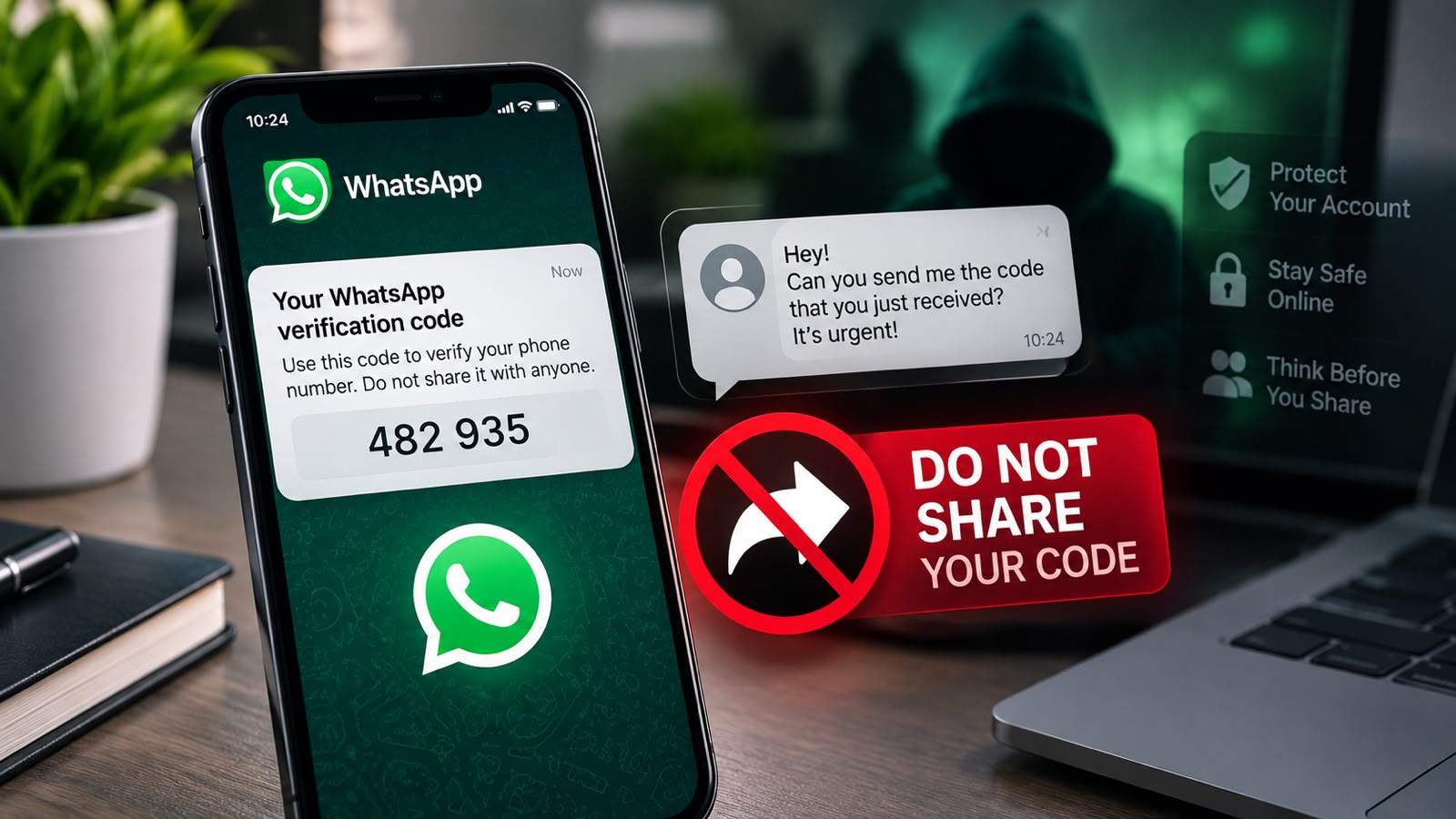
When someone attempts to register your phone number on another device, WhatsApp may send a verification code to your phone. A scammer may then contact you and try to convince you to share that code.
They may pretend to be:
- A friend or family member
- A WhatsApp representative
- A customer-support agent
- Someone who accidentally entered your number
- A person claiming they need the code to verify something
The important rule is simple:
Never share your WhatsApp registration code with anyone.
I Received a WhatsApp Verification Code I Didn’t Request. What Should I Do?
Receiving an unexpected verification code does not necessarily mean your account has already been hacked.
Someone may have entered your phone number by mistake. However, it can also be a sign that someone is attempting to register your number on another device.
The safest response is to ignore the request and never give the code to anyone.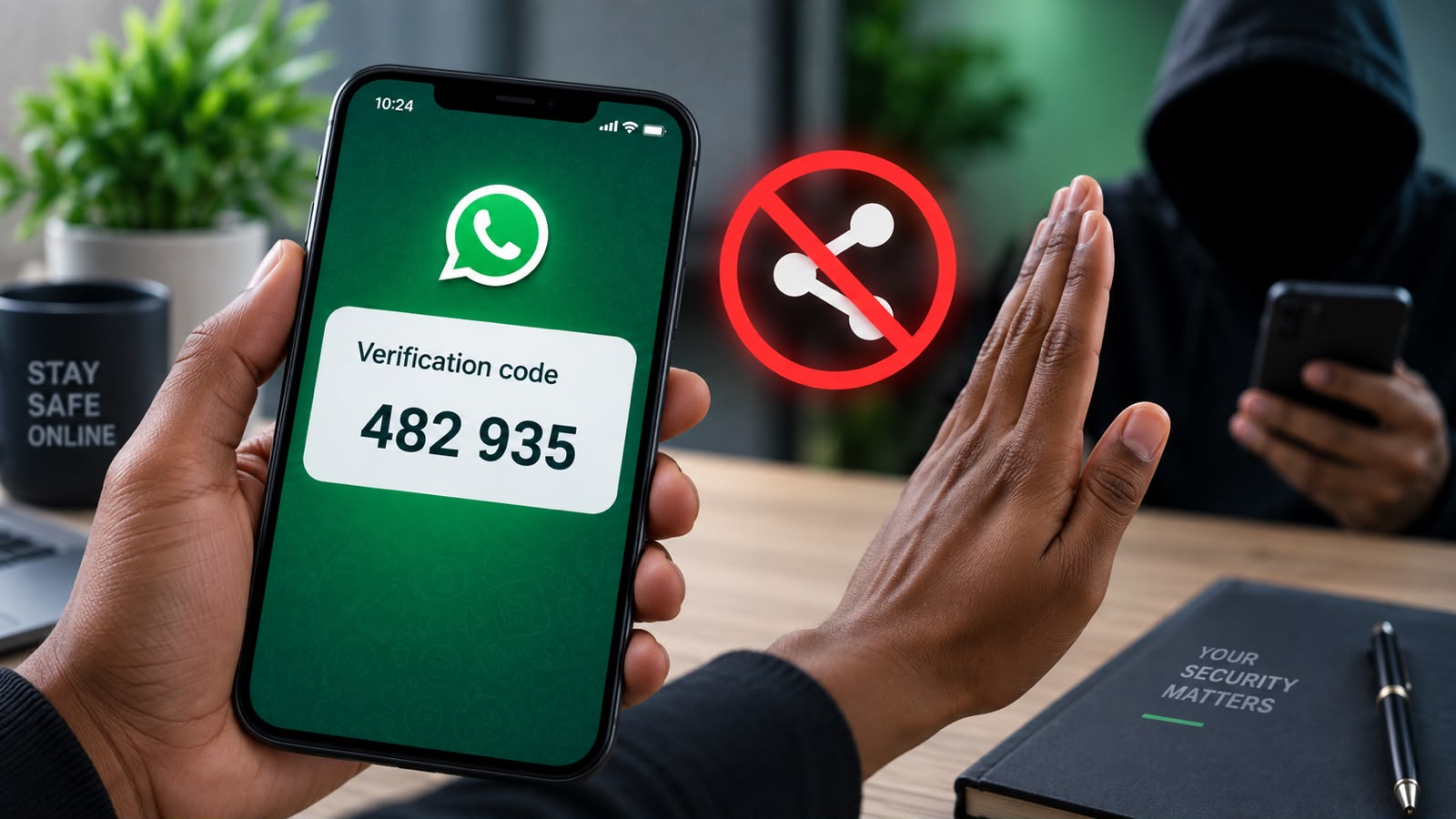
Do not send screenshots of the code either.
If someone contacts you immediately after the code arrives and asks you to forward it, treat the request as suspicious.
What to Do If Your WhatsApp Account Has Been Hacked
If you believe someone has taken control of your WhatsApp account, you should act quickly.
1. Register Your Phone Number Again
Open WhatsApp on your phone and start the registration process again.
Enter the phone number associated with your account.
WhatsApp will send a verification code to your phone.
Enter the six-digit code when prompted.
According to WhatsApp’s official guidance, registering your phone number again using the six-digit SMS code logs out the person using your account on another device.
This is one of the most important steps when recovering a compromised account.
2. Don’t Share the Verification Code
Even if someone is currently using your account, do not give them the new verification code.
The code is intended for you.
Anyone asking you to forward it should be treated with caution.
3. Check for Two-Step Verification
After recovering your account, you may be asked for a two-step verification PIN.
This PIN is different from the six-digit registration code sent by SMS.
If a two-step verification PIN was activated by someone else and you do not know it, WhatsApp may require a waiting period before you can reset it.
The important point is that registering your phone number again with the six-digit code can disconnect the unauthorized user.
How to Secure Your WhatsApp Account After Recovery
Recovering your account is only part of the process.
Once you regain access, take a few additional steps to improve your security.
Enable Two-Step Verification
Two-step verification adds another layer of protection to your WhatsApp account.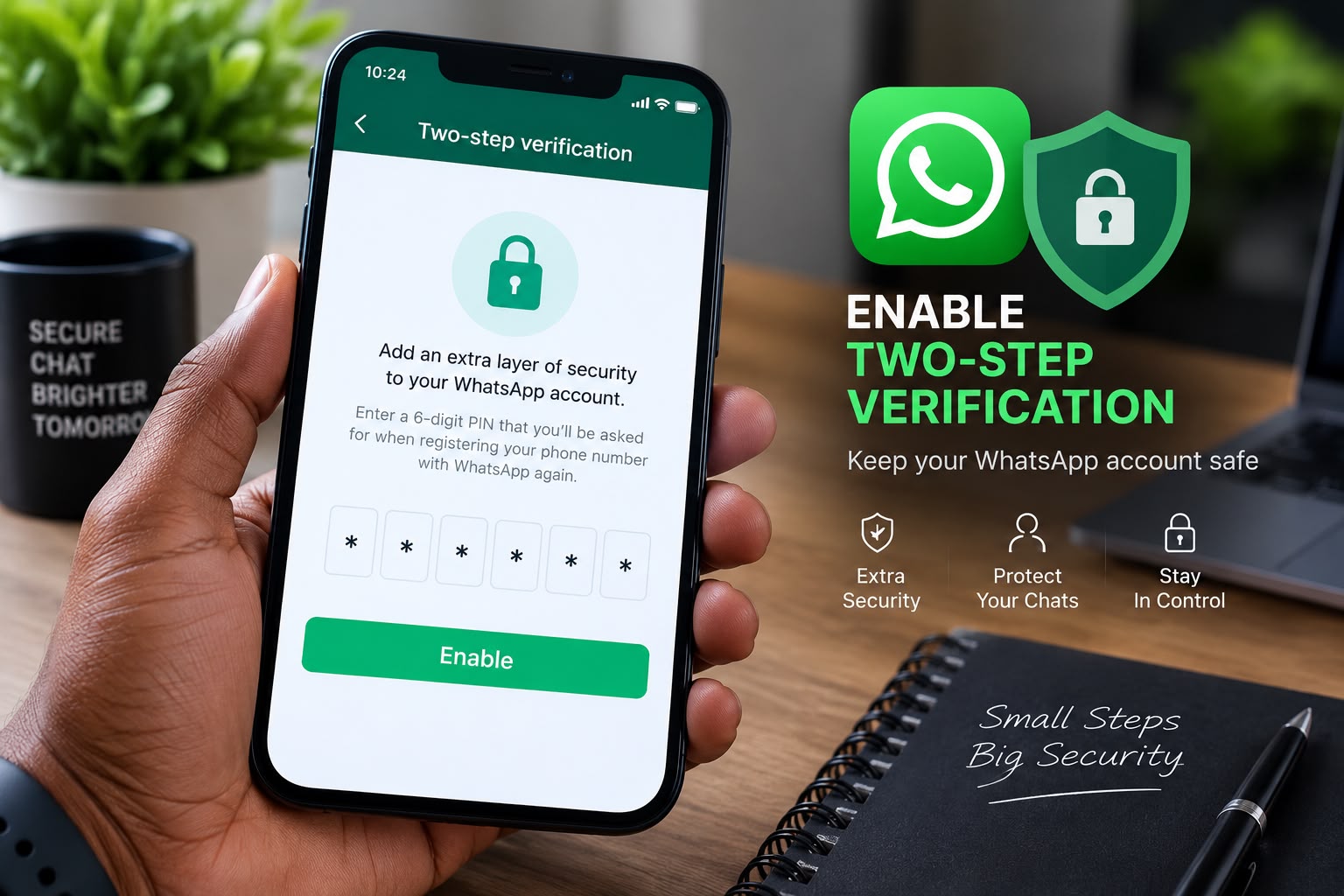
It requires a PIN in addition to the normal registration process.
To improve your chances of recovering the account if you forget your PIN, WhatsApp also allows you to add an email address to the two-step verification settings.
Choose a PIN that other people cannot easily guess.
Avoid simple combinations such as:
- 123456
- 000000
- Your birth year
- Your phone number
Review Linked Devices
WhatsApp allows you to connect your account to other devices.
Regularly check your Linked Devices section.
If you see a computer, browser, or phone that you do not recognize, log it out.
This is a simple habit that can help you identify unauthorized access.
Keep Your Phone Secure
Your WhatsApp security also depends on the security of your smartphone.
Use a screen lock such as a PIN, password, fingerprint, or another supported security method.
Avoid leaving your unlocked phone unattended where other people can access it.
What If Your Phone or SIM Card Was Stolen?
If your phone has been stolen, contact your mobile network operator as soon as possible.
Ask the operator to block the stolen SIM card and issue a replacement SIM using the same phone number.
Once you have access to your number again, register it with WhatsApp on your new device.
Recovering control of your phone number is particularly important because WhatsApp uses your phone number as part of the account registration process.
Can You Recover WhatsApp Without Access to Your Phone Number?
In many cases, you need access to the phone number associated with the WhatsApp account.
If you have lost both your phone and SIM card, contact your mobile operator and ask about replacing the SIM while keeping the same number.
Without access to the number, completing the normal verification process can be difficult or impossible.
Be Careful With People Who Promise to “Unlock” WhatsApp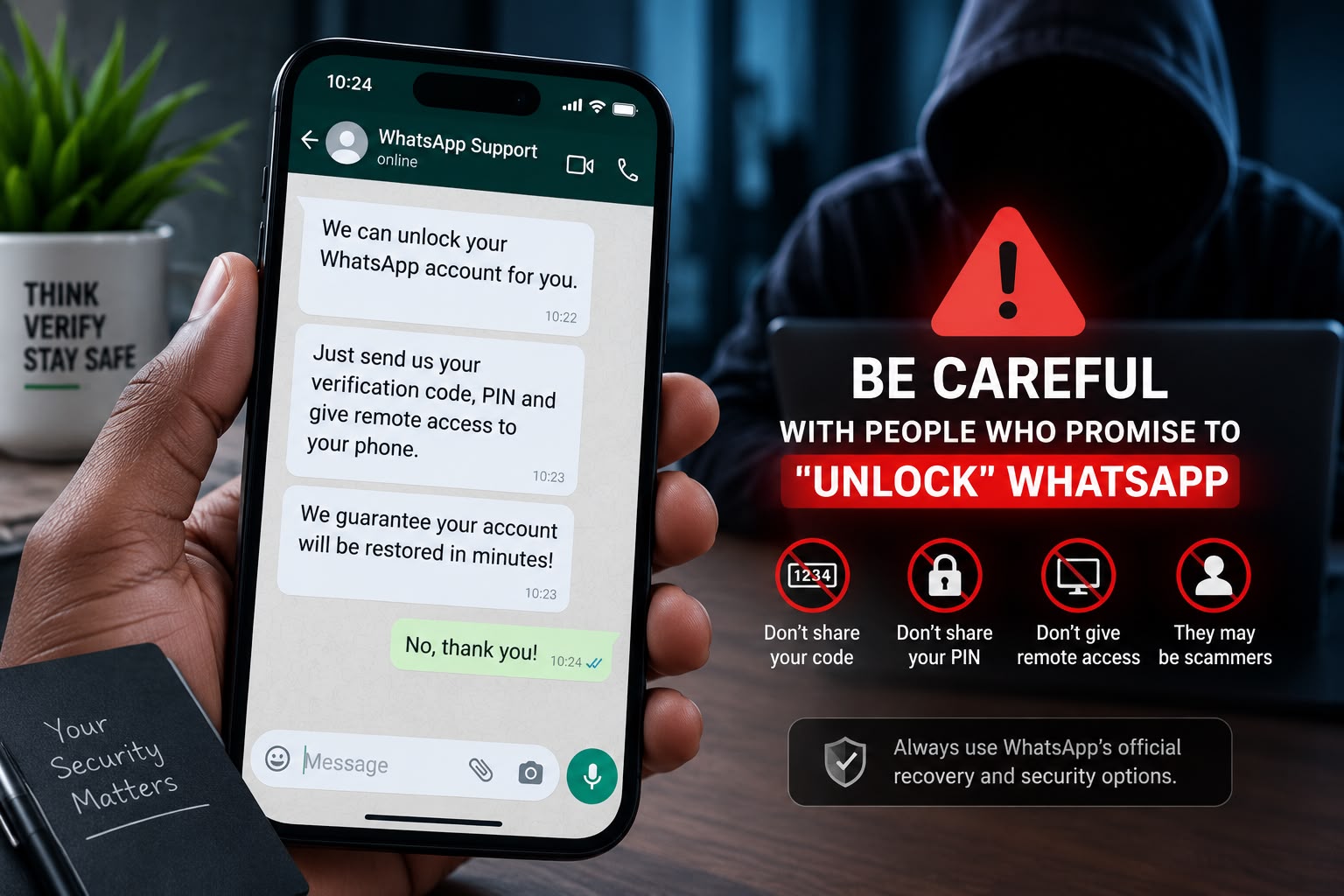
You may find websites, social-media accounts, or individuals claiming that they can unlock a WhatsApp account for you.
Be extremely careful.
You should not need to give a stranger your WhatsApp verification code, password, PIN, or remote access to your phone to recover your account.
Scammers may use the promise of account recovery to obtain the very information they need to take control of your account.
Whenever possible, use WhatsApp’s official recovery and security options.
Common WhatsApp Security Mistakes to Avoid
Many account compromises can be prevented by avoiding a few common mistakes.
Never Share Your Registration Code
This is one of the most important rules.
If a six-digit WhatsApp code arrives on your phone, keep it private.
Don’t Trust Urgent Requests
Scammers often create a sense of urgency.
Messages such as:
“Send me the code quickly!”
or
“Your account will be blocked if you don’t verify it!”
should immediately make you suspicious.
Take your time and verify the situation through an independent channel.
Don’t Click Suspicious Links
Be careful with links received through WhatsApp, especially when they promise prizes, free money, account verification, jobs, or other attractive offers.
Before entering personal information, verify where the link actually leads.
Keep WhatsApp Updated
Using the latest available version of WhatsApp helps ensure that you have access to the latest security improvements and features.
A Simple WhatsApp Security Checklist
Use this checklist to make your account safer:
- ☐ Never share your six-digit registration code.
- ☐ Enable two-step verification.
- ☐ Add a recovery email when available.
- ☐ Review linked devices regularly.
- ☐ Use a secure screen lock on your phone.
- ☐ Avoid suspicious links.
- ☐ Be careful with unexpected messages asking for codes.
- ☐ Keep WhatsApp updated.
- ☐ Contact your mobile operator if your SIM is lost or stolen.
- ☐ Use WhatsApp’s official recovery procedures if you lose access.
Final Thoughts
Losing access to a WhatsApp account can be stressful, but there are official steps you can take to recover and secure it.
If someone is trying to register your number, never give them the verification code.
If your account has already been compromised, register your phone number again using the verification code sent to your phone. After recovering the account, review your linked devices and enable two-step verification.
The best protection is often the simplest one: keep your verification codes private and never give strangers access to your account.
Your WhatsApp account contains personal conversations, contacts, photographs, documents, and other valuable information. Taking a few minutes to strengthen its security today can prevent a much bigger problem later.
